
You can paint a circle using the Shape tool.
Click the Shape tool on the tool palette.

You will see the Shape options panel.
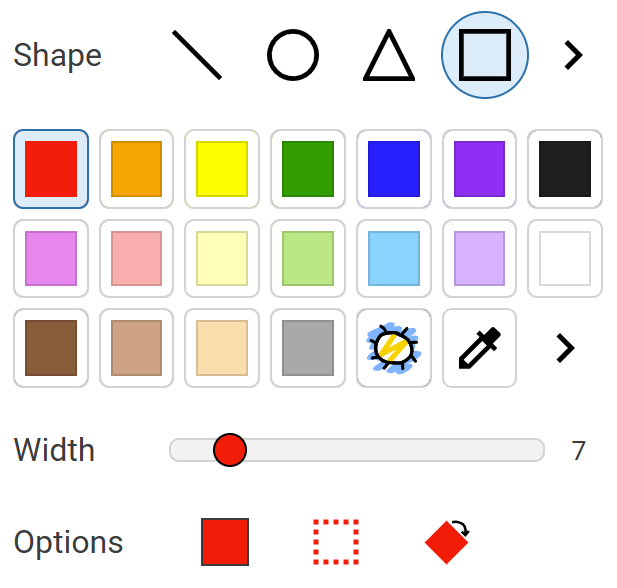
Click the Circle shape.

Click a color on the color palette.
Use the Width slider to change the width of the line for the circle.
Press and hold down the Shift key on the keyboard.
Click and drag on the page.
The shape will be constrained to a circle.

Release the Shift key on the keyboard.
You can paint a filled circle.
Click the Fill button in the options panel.

Press and hold down the Shift key on the keyboard.
Click and drag on the page.
You will see the Shape options panel.
Click the Circle shape.
Click a color on the color palette.
Use the Width slider to change the width of the line for the circle.
Press and hold down the Shift key on the keyboard.
Click and drag on the page.
The shape will be constrained to a circle.
Release the Shift key on the keyboard.
You can paint a filled circle.
Click the Fill button in the options panel.
Press and hold down the Shift key on the keyboard.
Click and drag on the page.